Pro Tools Basics

by

Coursera

This course on Pro Tools Basics teaches Pro Tools Basics fundamentals through interactive modules. If you are , then this course is for you. You can access this course on web and mobile, it’s available in language.

#1

See all ranking

Pro Tools Basics

by

Coursera

This course on Pro Tools Basics teaches Pro Tools Basics fundamentals through interactive modules. If you are , then this course is for you. You can access this course on web and mobile. This complete course is available in language.

#1

See all ranking

with Certifications

11+ Hours

of Recorded Content

4.7 Rated

by 37030 Learners

Language

with Certifications

11 + Hours

of Recorded Content

4.7 Rated

by 37030Learners

Read all Reviews

Language

What's in it for You?

Key Features:

Learn new concepts from professionals in the field.
Acquire a basic understanding of a topic or skill
Gain practical project experience to enhance employability.
Obtain a career certificate that can be shared.

Topics you will learn

  • Welcome to Pro Tools Basics!
    • 2 videos
      1. Welcome to Pro Tools Basics!
      2. What You'll Need For This Course
    • 6 readings
      1. Course Updates
      2. A Note From Chrissy
      3. Connect with Your Classmates
      4. Course Resources
      5. Earn A Course Certificate
      6. Tell Time
    • 1 quiz
      1. What Are Your Goals?
  • Diving In
    • 9 videos
      1. The Pro Tools Interface
      2. MIDI and Software Instrument Tracks
      3. Audio Tracks
      4. Working From Templates
      5. Organizing Your Session
      6. Bouncing Your Session
      7. Saving Your Session
      8. Working with The Basics
      9. Giving and Receiving Feedback
    • 1 reading
      1. Download Pro Tools First or the FREE Demo Version
    • 1 quiz
      1. The Basics
    • 1 peer review
      1. Working with The Basics
  • Exploring MIDI and Software Instruments
    • 7 videos
      1. Introduction to On-Board Software Instruments
      2. Wave Basics
      3. Synthesizers
      4. Samplers
      5. MIDI Manipulation
      6. Automation
      7. Working with MIDI and Software Instruments
    • 4 readings
      1. Wave Basics
      2. More About Waves
      3. Simple Automation in Pro Tools
      4. Beatport
    • 1 quiz
      1. MIDI and Software Instruments
    • 1 peer review
      1. Working with MIDI and Software Instruments
    • 1 discussion prompt
      1. Even MORE About Waves
  • Recording and Manipulating Audio
    • 6 videos
      1. Importing and Managing Audio
      2. Audio Suite (Reverse)
      3. Tempo Operations
      4. Recording In
      5. Playlists
      6. Working with Audio
    • 1 reading
      1. Audio Samples
    • 1 quiz
      1. Recording and Manipulating Audio
    • 1 peer review
      1. Working with Audio
  • Mixing and Mastering
    • 7 videos
      1. Overview of Plugin Effects and Creating a Rough Mix
      2. EQ
      3. Compression
      4. Reverb, Buses, and Aux Tracks
      5. Limiters
      6. Practice Mixing and Mastering
      7. Course Wrap-Up
    • 4 readings
      1. Frequency Graph
      2. Compression Recap
      3. More About Reverb
      4. Credits
    • 1 quiz
      1. Mixing and Mastering
    • 1 peer review
      1. Practicing Mixing and Mastering

Course Offerings

Certificate you will get

Certificate Features

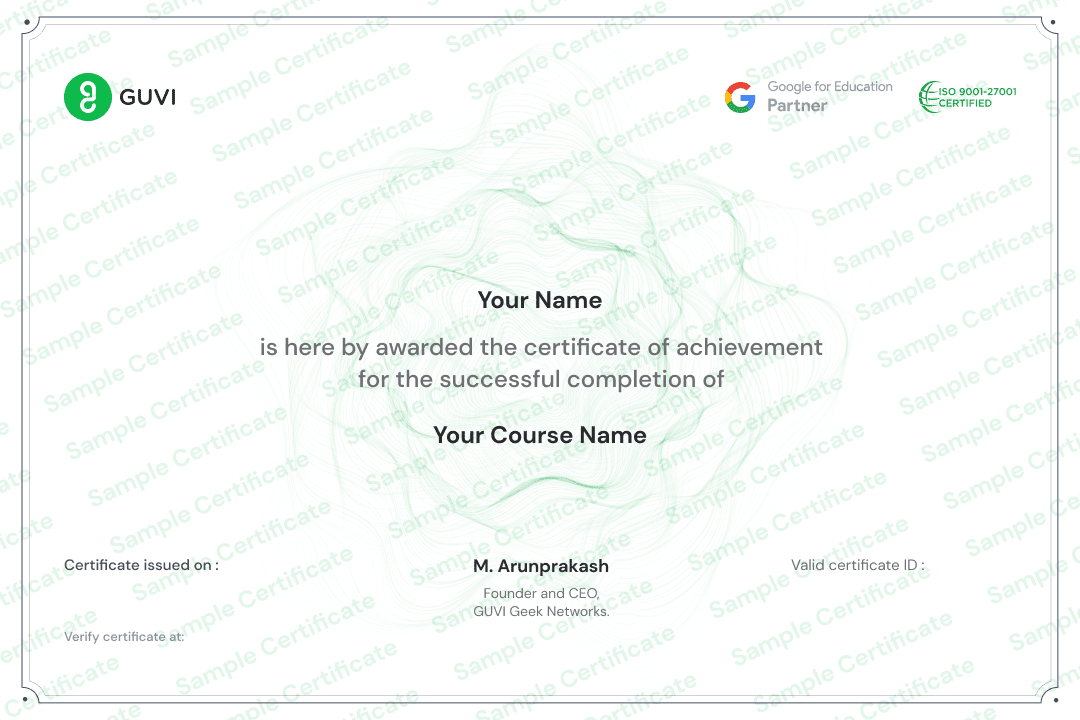
Your certificate can be embedded on your own website or shared on social networking sites like LinkedIn.
Employers can verify the legitimacy of each certificate using the special verification URL that is included with it.

Pre Requsites

After this Course

Course is for

No results found.

FAQ's

The course focuses on Pro Tools Basics. It covers fundamentals through interactive modules designed for s.
The course offers over 11 hours of recorded content.

Yes, upon completing the course, you will receive a certification

The course is currently available in .

The course is accessible on both web and mobile platforms.

The original price of the course is ₹, but it’s currently available at a discounted price of ₹.
To purchase this course you can click on the Enroll Now button it will redirect you to course page, and on that page you can buy Pro Tools Basics course.


Similar Courses

Share this course within your network

WhatsApp
Facebook
Telegram
LinkedIn
Threads
X

Page Link